
Affinity Designer: My Journey from Doubt to Delight
Affinity Designer for Beginners | Vector Design | Creative Journey

Hey there, fellow creative souls!
Today, I want to take you on a journey through my personal Affinity Designer story—a tale of overcoming doubts, discovering the joys of digital art, and finding a creative companion that fits perfectly into the rainy Pacific Northwest days.
The Initial Hesitation
Let's rewind a bit. I remember when I first heard about Affinity Designer. At the time, I was dipping my toes into the vast ocean of graphic design, and the idea of diving into yet another software left me feeling overwhelmed. Doubts crowded my mind:
"Can I really learn this?"
"Will it be too complex?"
"What if it's too expensive for a beginner like me?"
So, I gave it a shot. I dabbled with Affinity Designer on the iPad, but I won't lie; it was a struggle at first. I tried to grasp its features, but it felt like navigating a maze in the dark. Frustration led me to put it down, thinking it might not be for me.
The Turning Point
Fast forward over a year later. I picked up Affinity Designer again, not out of obligation, but out of curiosity. This time, something clicked. I had grown as an artist, and with renewed determination, I decided to dig deeper.
And oh boy, what a difference a year makes! This time, I sunk my teeth into Affinity Designer and learned it inside out. I discovered its immense power and versatility, and how it seamlessly complemented my creative journey. It wasn't just about Affinity Designer alone; it was about combining it with other programs to craft a creative workflow that worked seamlessly for me.
My Affinity Designer Community
Now, you might be wondering, why am I sharing this? Because I know that many of you might have started on a similar path—a journey with a few bumps along the way. But I'm here to tell you that it's okay. Sometimes, it takes time to fully embrace a tool like Affinity Designer, and that's perfectly normal.

I’m crafting a series of Affinity Designer: iPad courses at Perch Handmade specifically for those who may have stumbled along the way. These courses are designed to demystify the software, offering step-by-step guidance to help you become proficient at your own pace.
Along with tutorials, you’ll also find a collection of assets to add to your digital library!
Ready to Dive In? Learn with My Berry Good Affinity Designer Series
If you're eager to build confidence in Affinity Designer on the iPad, you're in the right place. You can start with my YouTube video that walks through 30+ helpful touch gestures—perfect for getting familiar with the tools and shortcuts that make designing smoother.
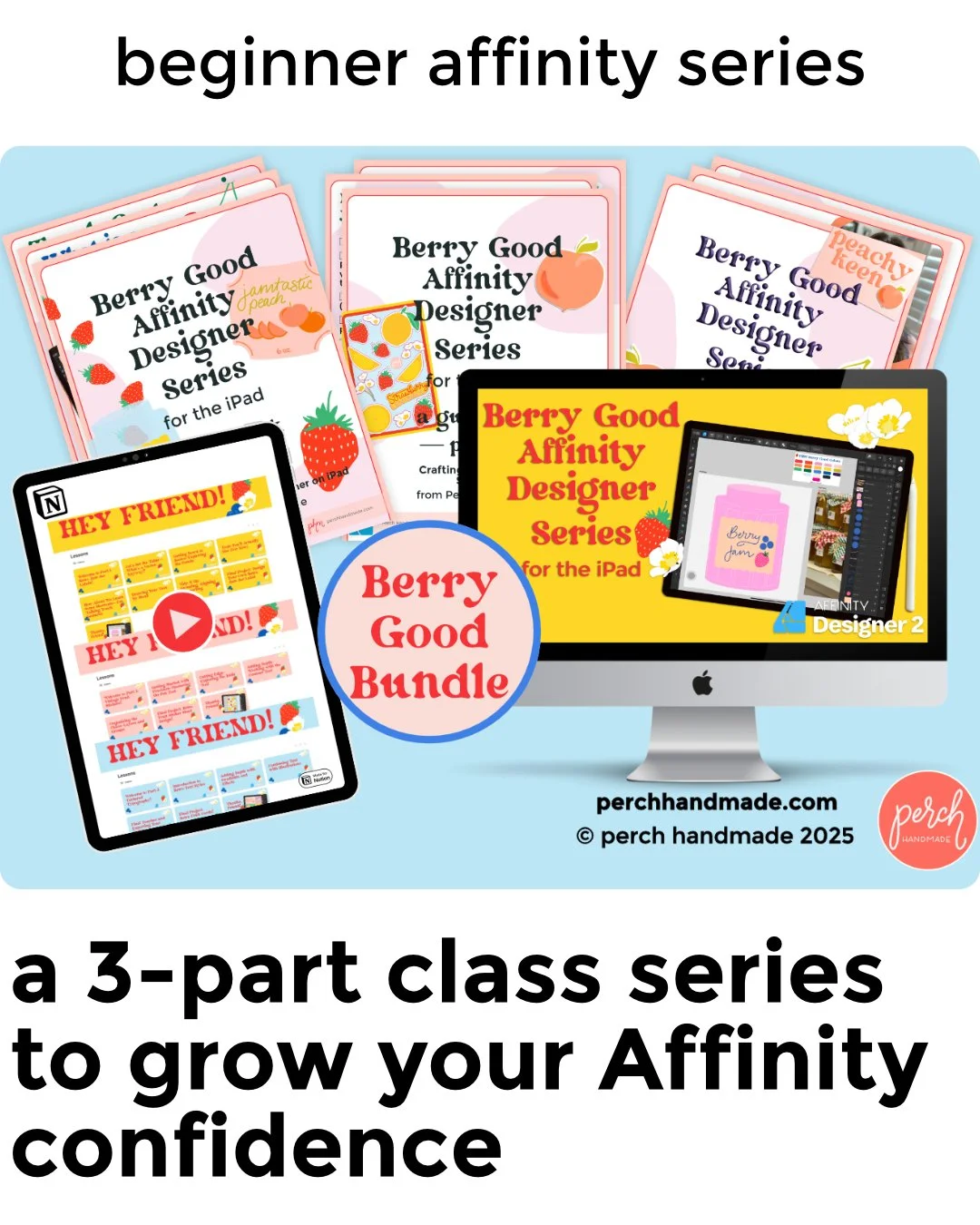
Once you're ready to put those gestures to use, the next step is the Berry Good Affinity Designer Series—a playful, project-based class bundle designed to help you actually apply what you’ve learned inside real creative projects.
In the series, you’ll learn how to:
Design retro jam jar labels using vector shapes and the Node Tool
Create layered fruit sticker sheets while mastering the Knife Tool
Build textured retro-style typography with gradients, brushes, and effects
Use touch gestures to speed up your workflow and stay in creative flow
Each class includes downloadable PDFs, helpful prompts, and step-by-step guidance.
Whether you're new to Affinity Designer or ready to finally feel fluent on the iPad, this series is a great next step.
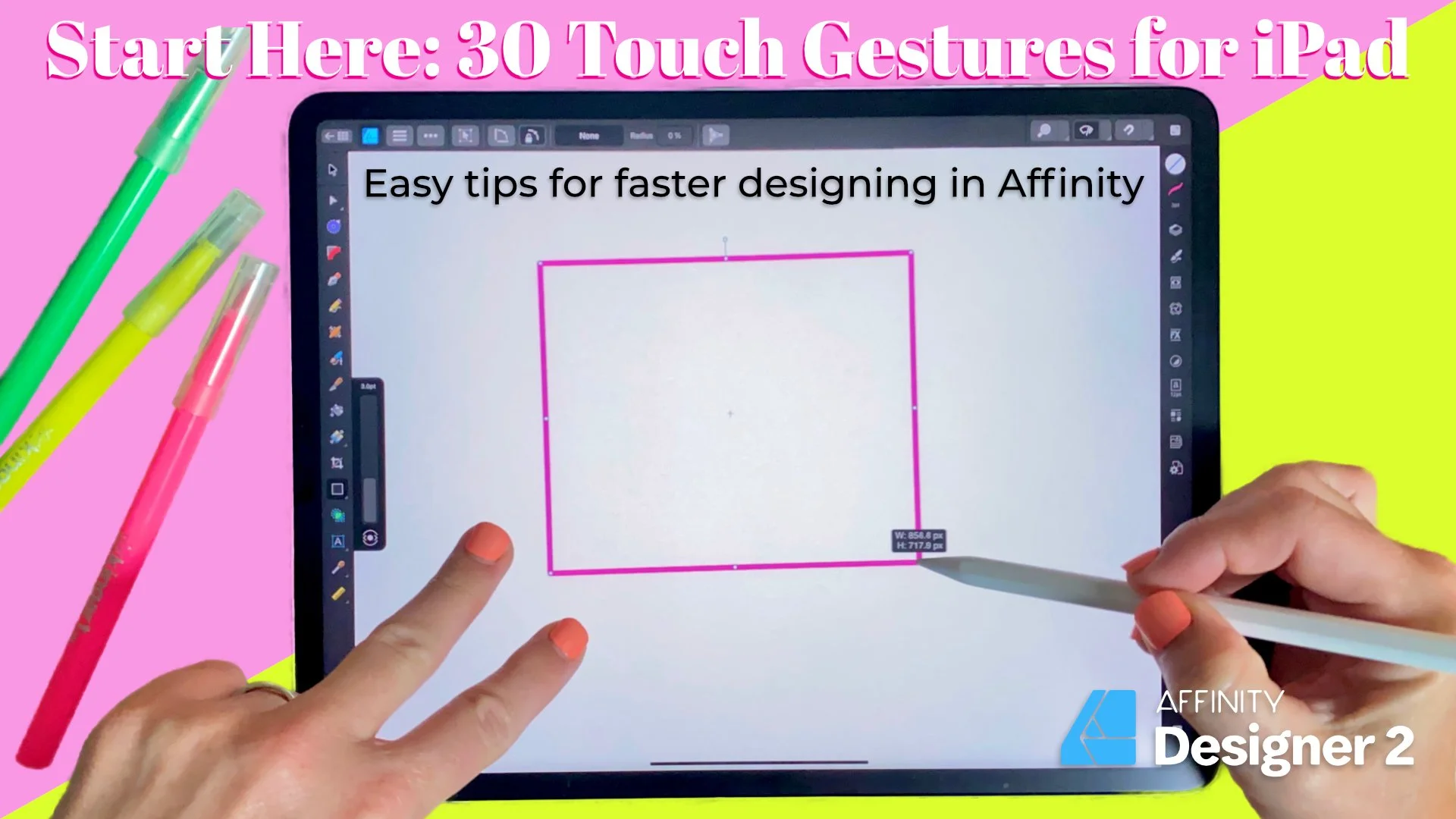
WATCH THE VIDEO HERE↑
By combining the visual guidance of the tutorial with the hands-on practice in the workbook, you'll be well on your way to mastering Affinity Designer.
Let's Create Something Beautiful
My journey with Affinity Designer on the iPad has been transformative. It's a software that not only ignited my creativity but also allowed me to embrace it on my own terms. And now, I want to share this journey with you.
Your creative adventure with Affinity Designer doesn't have to be daunting. It can be a delightful voyage, filled with discoveries, artistry, and the joy of creating something uniquely yours.
So, let's embark on this Affinity Designer journey together. Rain or shine, doubts or dreams, we're in it together. With Affinity Designer, your creative potential knows no bounds, and I'm here to help you explore it.
Stay tuned for more tips, tricks, and tutorials on mastering Affinity Designer: iPad, because your creative adventure is just beginning!
Let's create something beautiful.

Hi, I’m Katie and this is
Perch Handmade.
I’m a digital artist and teacher offering you a look into my creative adventure. Enjoy the ride!


I may receive commissions from purchases made through links in this article. I wouldn't promote them if I didn't believe in them wholeheartedly!
(At no additional cost to you)


50% off your first year of Flodesk

From Oregon Coast prints to beach experiments and personal projects, Katie Simmons shares her January creativity and how her protest print supports Stand With Minnesota communities.